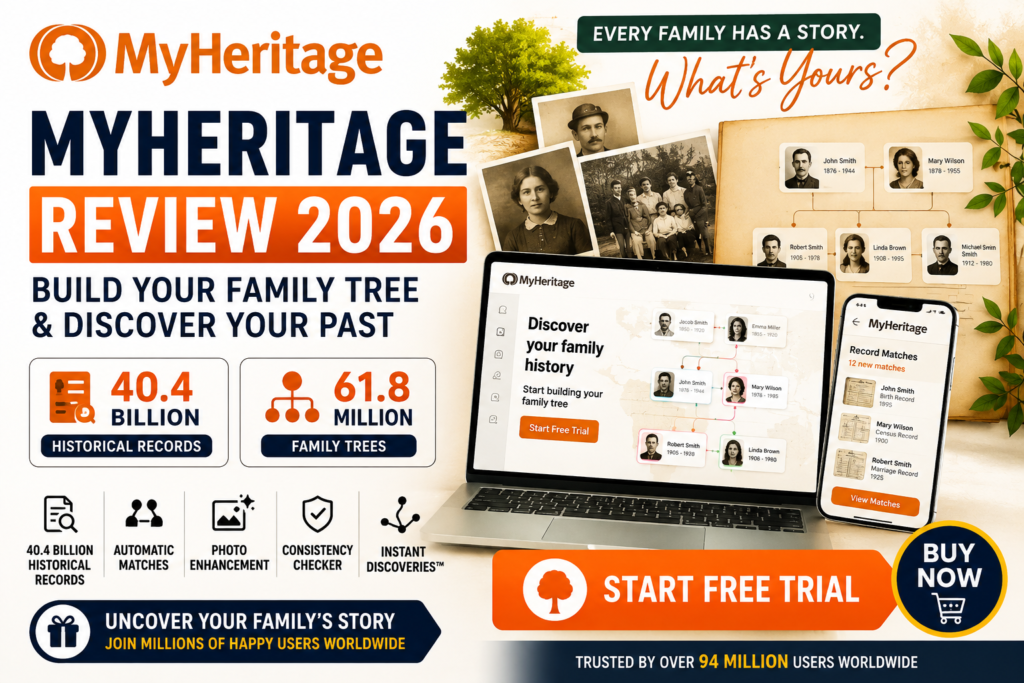
MyHeritage Review 2026: Discover how MyHeritage helps you build a family tree, research ancestors, find historical records, uncover family connections, and preserve old family photos. Learn about its features, benefits, free trial, pros and cons, and whether MyHeritage is worth trying.
If you have ever wondered where your family came from, who your ancestors were, or what stories are hidden in your family history, MyHeritage can help you explore those questions online.
MyHeritage is a genealogy and family-history platform that allows users to create a family tree, search historical records, discover potential family connections, and enhance old photographs. According to the information provided by MyHeritage, its database includes 40.4 billion historical records and 61.8 million family trees.
In this detailed MyHeritage review 2026, we will look at its major features, how the service works, its advantages and limitations, and whether starting a MyHeritage free trial is a good choice for genealogy research.
What Is MyHeritage?
MyHeritage is an online genealogy platform designed to help people research and document their family history.
You can begin by entering information about relatives you already know, such as parents, grandparents, great-grandparents, and other family members. As your family tree grows, MyHeritage can help you research historical records and identify possible connections with other family trees.
The platform combines family tree building, historical records, automatic matching technology, and photo enhancement tools in one service.
For beginners, this makes it possible to start researching family history without needing extensive genealogy experience.
How Does MyHeritage Work?
Getting started with MyHeritage is relatively straightforward.
1. Build Your Family Tree
The first step is to enter information about the relatives you already know.
You can add details such as:
- Names
- Birth information
- Marriage information
- Family relationships
- Other available biographical details
As you add more relatives, your family tree becomes a central place for organizing your research.
2. Search Historical Records
Once you have created your family tree, you can use MyHeritage’s collection of historical records to investigate your ancestors.
The platform states that it provides access to 40.4 billion historical records. These records can potentially help you discover additional information about people already included in your family tree.
Historical documents can be particularly useful when you are researching relatives from previous generations and have limited information about them.
3. Discover Automatic Matches
One of the most interesting parts of MyHeritage is its automatic matching technology.
The platform can compare information in your family tree with information from historical records and other family trees. Potential matches may reveal relatives, locations, dates, or other details that you had not previously discovered.
This can save time compared with manually searching through every available record.
Key MyHeritage Features
MyHeritage offers several tools designed to make genealogy research easier.
Unlimited Family Tree Size and Photo Storage
A major feature highlighted by MyHeritage is the ability to maintain an unlimited family tree and store family photos.
This can be useful if you want to create a long-term digital archive containing information about multiple generations of your family.
40.4 Billion Historical Records
Historical records are an important part of genealogy research.
MyHeritage states that its global collection contains 40.4 billion historical records. Depending on your family’s history and location, these records may provide additional clues about your ancestors.
Automatic Record Matches
Automatic Record Matches can compare information in your family tree with historical records.
Instead of relying entirely on manual searches, the technology can identify potentially relevant records that may correspond to people in your tree.
Smart Matches™
MyHeritage’s Smart Matches™ feature is designed to compare your family tree with millions of other family trees.
Potential matches can help you discover information added by other researchers and potentially uncover new branches of your family history.
However, potential matches should always be checked carefully before you add information to your own family tree.
Historical Photo Colorization and Enhancement
Old family photographs can be difficult to view because of fading, scratches, low resolution, or black-and-white imagery.
MyHeritage provides tools for photo colorization and enhancement, allowing users to improve and modernize the appearance of historical family photographs.
For people interested in preserving family memories, this can be one of the platform’s most appealing features.
Consistency Checker
Family trees can become complicated as you add more generations.
MyHeritage’s Consistency Checker scans the family tree for potential inaccuracies or inconsistencies. This can help users identify information that may need to be reviewed.
Instant Discoveries™
Instant Discoveries™ is another feature designed to accelerate family-tree research.
The tool can potentially identify entire branches of family information that may be relevant to your existing tree, allowing you to expand your research more quickly.
MyHeritage Free Trial
MyHeritage promotes a free trial that gives users an opportunity to explore its genealogy features before committing to a paid plan.
A free trial can be useful if you are unsure whether MyHeritage is suitable for your research.
Before starting a trial, however, it is important to review the current trial terms, billing conditions, subscription details, and cancellation policy so that you understand what happens when the trial period ends.
Is MyHeritage Easy to Use?
For beginners, one of MyHeritage’s strongest advantages is its relatively simple approach to family-tree research.
You do not need to know the names of every ancestor before starting. You can begin with the relatives and information you already know and gradually expand your research.
The general process is:
Enter family information → Build your tree → Search records → Review matches → Add verified discoveries
This makes MyHeritage suitable for both casual users who are curious about their ancestry and more serious family-history researchers.
MyHeritage Pros and Cons
MyHeritage Pros
- Easy-to-use family tree builder
- Large collection of historical records
- Automatic Record Matches
- Smart Matches™ with other family trees
- Historical photo enhancement tools
- Photo colorization features
- Consistency Checker for identifying possible errors
- Instant Discoveries™ for expanding family trees
- Useful for beginners and genealogy enthusiasts
- Free trial available
MyHeritage Cons
- Some features require a paid subscription
- Historical records may vary in relevance depending on your family’s location and background
- Automatic matches should be verified before being treated as fact
- Genealogy research can become time-consuming as your family tree grows
- Subscription terms should be reviewed carefully before starting a trial
Is MyHeritage Worth It?
Whether MyHeritage is worth it depends largely on how seriously you want to research your family history.
If you simply want to create a basic family tree, you may not need every premium feature. However, if you want to investigate historical records, discover potential family connections, preserve photographs, and expand your family tree, the additional tools can make the platform more valuable.
The combination of historical records, automatic matching, family trees, and photo tools makes MyHeritage an interesting option for people who want to go beyond simply recording names and dates.
Who Should Use MyHeritage?
MyHeritage may be a good choice for:
- People starting their first family tree
- Genealogy enthusiasts
- Anyone researching grandparents or earlier generations
- Families wanting to organize historical photographs
- Users interested in historical documents
- People looking for potential relatives or family connections
- Anyone interested in discovering previously unknown branches of their family
Tips for Getting Better Results From MyHeritage
Start With What You Know
Do not try to build your entire family tree at once.
Start with yourself, your parents, grandparents, and other relatives whose information you can verify.
Talk to Older Relatives
Family members may know names, locations, dates, nicknames, stories, and relationships that are not available online.
These personal memories can provide valuable clues for your research.
Verify Automatic Matches
Automatic matching can be extremely useful, but a suggested match is not automatically proof that the information is correct.
Compare names, dates, locations, relationships, and original documents whenever possible.
Preserve Old Photographs
If you have family photographs stored in boxes or albums, consider digitizing them and organizing them alongside the appropriate people in your family tree.
Keep Your Research Organized
As your tree expands, document where important information came from. This makes it easier to revisit questionable information later and distinguish verified facts from family stories or unconfirmed matches.
MyHeritage Review 2026: Final Verdict
MyHeritage is a comprehensive family-history platform that combines family-tree creation, historical records, automatic matching, and photo enhancement tools.
Its large historical-record collection and automated discovery features can make genealogy research considerably easier, especially for people who are just getting started.
The platform is particularly interesting if you want to do more than create a simple family tree. Its historical records, Smart Matches™, Record Matches, Instant Discoveries™, and photo tools provide multiple ways to uncover and preserve your family’s story.
However, users should carefully verify automatically discovered information and review the terms of any free trial or subscription before signing up.
Final Rating: 4.5/5
Ease of Use: ⭐⭐⭐⭐⭐
Family Tree Features: ⭐⭐⭐⭐⭐
Historical Records: ⭐⭐⭐⭐⭐
Photo Tools: ⭐⭐⭐⭐⭐
Automatic Matching: ⭐⭐⭐⭐½
Overall Value: ⭐⭐⭐⭐½
If discovering your family’s past sounds interesting, starting with the information you already know can be a simple way to see what MyHeritage can uncover.
Frequently Asked Questions About MyHeritage
Is MyHeritage free?
MyHeritage offers ways to get started with family-tree research and promotes a free trial for accessing its features. Premium features and records may require a paid subscription.
How many historical records does MyHeritage have?
According to the information provided for this review, MyHeritage has 40.4 billion historical records.
How many family trees are on MyHeritage?
The information provided states that MyHeritage has 61.8 million family trees.
Can I create a family tree on MyHeritage?
Yes. You can begin by entering information about relatives you already know and gradually expand your family tree as you discover additional information.
What are Smart Matches™ on MyHeritage?
Smart Matches™ are designed to compare your family tree with other family trees and identify potential similarities that may help you discover additional family connections.
Does MyHeritage enhance old photos?
Yes. MyHeritage provides tools for historical photo colorization and enhancement, which can help improve the appearance of old family photographs.
Is MyHeritage good for genealogy beginners?
Yes. Its family-tree builder and automatic matching tools make it accessible to beginners, while its historical records and research tools can also be useful for more experienced genealogy researchers.
Should I trust every MyHeritage match?
No. Automatic matches should be treated as research leads rather than unquestionable facts. Verify important information using reliable records and supporting evidence.