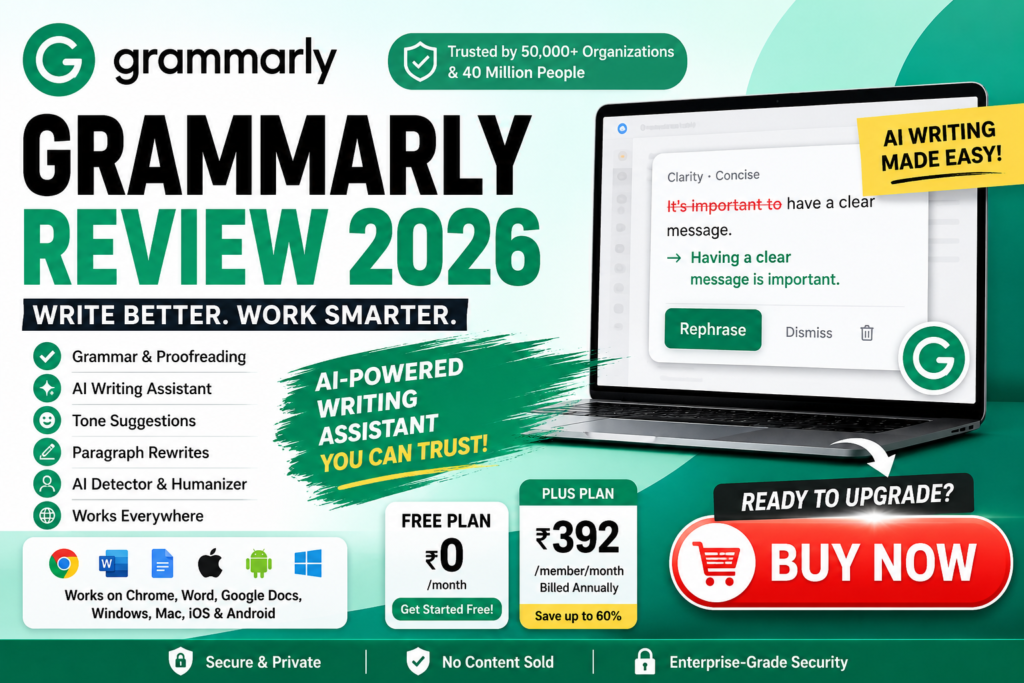
Grammarly Review 2026: An Honest Look at the AI Writing Assistant
Writing clearly and professionally can take a lot of time, especially when you are creating emails, articles, assignments, business documents, social media posts, or other online content. This is where Grammarly can help.
Grammarly is an AI-powered writing assistant designed to help users improve grammar, clarity, tone, structure, and overall communication. It offers proofreading features along with AI-powered rewriting and text-generation tools.
In this Grammarly Review 2026, we will look at its features, pricing, AI tools, benefits, limitations, and overall value to help you decide whether Grammarly is worth using.
What Is Grammarly?
Grammarly is an AI writing assistant that helps users write more clearly, correctly, and effectively. It can identify grammar and spelling issues, suggest improvements, adjust writing tone, rewrite sentences, and generate text.
The platform can be used across different environments, including desktop applications, web browsers, mobile devices, Microsoft Office, and Google Docs.
According to the information provided by Grammarly, the service is trusted by 50,000 organizations and 40 million people.
Who Can Use Grammarly?
Grammarly can be useful for:
- Students
- Bloggers
- Content writers
- Freelancers
- Professionals
- Marketers
- Businesses
- Teachers
- Researchers
- Job seekers
- Social media creators
Whether you are writing a short email or a long article, Grammarly can provide suggestions intended to make your writing clearer and more polished.
Grammarly Features
One of the biggest reasons people use Grammarly is its collection of writing and AI-powered features.
1. Grammar and Proofreading
Grammarly can help identify common grammar, spelling, punctuation, structure, and clarity issues.
Instead of manually reviewing every sentence, users can receive suggestions while writing.
This can be especially useful when you are writing professional emails, articles, assignments, reports, or business communications.
2. Paragraph Rewrites
Grammarly’s paragraph rewriting feature can help improve the clarity and flow of existing text.
If a paragraph feels confusing, repetitive, or unnecessarily long, Grammarly can provide an alternative version.
This can save time when editing larger pieces of content.
3. Tone Suggestions
The way something is written can be just as important as the information itself.
Grammarly can provide suggestions related to writing tone, helping users create communication that sounds more appropriate for the intended audience.
For example, professional communication may require a different tone from casual social media content.
4. AI Writing Tools
Grammarly also provides AI-powered writing capabilities.
According to the pricing information provided, the Free plan includes 100 AI prompts, while the Plus plan includes 2,000 AI prompts.
These tools can help users brainstorm, generate, rewrite, and improve content.
5. AI Humanizer
The Humanizer feature is designed to give AI-assisted writing a more natural and personalized feel.
This can be useful when users want generated text to better reflect their personality or communication style.
However, users should still review AI-generated content carefully before publishing it.
6. AI Detector
Grammarly also offers an AI Detector designed to identify areas of writing that may appear AI-generated.
This can be useful for reviewing content and identifying sections that may require additional editing or personalization.
AI detection tools should not be treated as infallible proof of how content was created.
7. Brand and Style Tools
For businesses and teams, maintaining a consistent writing style can be important.
Grammarly provides features such as style guides and brand tones that can help organizations maintain consistent communication across different employees and content channels.
8. Grammarly Across Multiple Platforms
One advantage of Grammarly is its broad availability.
Users can access Grammarly through:
- Grammarly for desktop
- Windows
- Mac
- Chrome
- Safari
- Firefox
- Edge
- Microsoft Office
- Google Docs
- iPhone
- iPad
- Android
- Grammarly’s web-based tools
This makes it easier to use Grammarly across different devices and applications.
Grammarly Pricing in India 2026
Grammarly offers different plans designed for individuals and organizations.
Based on the pricing information provided, the current India pricing includes a Free plan and a Plus plan, along with an Enterprise option.
Grammarly Free Plan
The Free plan costs:
₹0 per month
The Free plan includes features such as:
- Writing without common mistakes
- Writing tone feedback
- 100 AI prompts
For someone who primarily wants basic writing assistance, the Free plan can be a good way to try Grammarly without paying.
Grammarly Plus Plan
The Plus plan is listed at:
₹392 per member/month when billed annually
The pricing information also lists:
₹1,000 per member/month when billed monthly
Plus includes everything in Free, along with additional capabilities such as:
- Full-sentence rewrites
- Writing tone adjustments
- Brand/style assistance
- 2,000 AI prompts
- Basic customer support
Availability may vary depending on country and account.
Grammarly Enterprise
Grammarly also offers an Enterprise option for larger organizations.
The Enterprise plan includes features such as:
- Unlimited members
- Dedicated support
- Confidential mode
- Granular roles and permissions
- Data loss prevention
- Unlimited generative AI prompts
- Additional capabilities included with Plus
Enterprise customers need to contact Grammarly for pricing.
Grammarly Pricing Comparison
| Feature | Free | Plus | Enterprise |
|---|---|---|---|
| Basic writing assistance | Yes | Yes | Yes |
| Tone feedback | Yes | Yes | Yes |
| AI prompts | 100 | 2,000 | Unlimited |
| Full-sentence rewrites | No | Yes | Yes |
| Brand/style features | Limited | Yes | Yes |
| Members | Individual | Individual/teams | Unlimited |
| Dedicated support | No | No | Yes |
| Data loss prevention | No | No | Yes |
| Confidential mode | No | No | Yes |
Note: Pricing and plan features can change. Always check Grammarly’s official pricing page before purchasing.
Grammarly Pros and Cons
Before choosing any writing assistant, it is important to consider both its advantages and limitations.
Pros of Grammarly
- Easy to use
- Helps identify grammar and spelling problems
- Provides clarity suggestions
- Offers tone recommendations
- Includes AI-powered writing tools
- Supports sentence and paragraph rewriting
- Available across multiple platforms
- Free plan available
- Useful for students and professionals
- Offers business and enterprise features
Cons of Grammarly
- Some advanced features require a paid plan
- AI-generated suggestions still require human review
- Pricing can be expensive for some individual users
- Certain features may have country or plan restrictions
- AI detection should not be considered completely definitive
Is Grammarly Good for Students?
Yes, Grammarly can be useful for students who want assistance with grammar, spelling, punctuation, clarity, and writing style.
Students can use it when reviewing essays, emails, assignments, applications, and other written work.
However, Grammarly should be used as a writing aid rather than a replacement for learning grammar and developing independent writing skills.
Is Grammarly Good for Bloggers and Content Writers?
Grammarly can be particularly useful for bloggers and content creators.
Writers can use it to:
- Proofread articles
- Improve sentence clarity
- Reduce grammatical errors
- Adjust tone
- Rewrite awkward sentences
- Review existing content
- Generate ideas with AI tools
For bloggers, Grammarly can work as an additional editing layer before publishing an article.
However, SEO writers should not rely entirely on AI-generated suggestions. Content should remain original, useful, factually accurate, and written for readers rather than simply optimized for algorithms.
Is Grammarly Worth It in 2026?
Whether Grammarly is worth paying for depends on how frequently you write and which features you need.
If you only need basic grammar and writing assistance, the Free plan may be enough.
The Plus plan becomes more interesting for users who frequently need:
- Full-sentence rewrites
- Advanced writing assistance
- Tone adjustments
- AI writing capabilities
- Brand/style support
Businesses with larger teams may benefit more from Enterprise features such as administrative controls, dedicated support, and data protection capabilities.
Our Verdict
Grammarly is a useful AI writing assistant for people who regularly write online.
Its combination of proofreading, rewriting, tone suggestions, and AI writing tools makes it suitable for students, professionals, bloggers, freelancers, and businesses.
For casual users, starting with the Free plan makes sense. More frequent writers may find the paid plans more valuable.
Overall Rating: 4.5/5
Grammarly Alternatives
Although Grammarly is one of the better-known AI writing assistants, it is not the only option.
Depending on your requirements, you may also consider tools such as:
- Microsoft Editor
- ProWritingAid
- QuillBot
- LanguageTool
- Hemingway Editor
The best choice depends on whether your priority is grammar checking, rewriting, AI content generation, readability, academic writing, or advanced editing.
Frequently Asked Questions About Grammarly
Is Grammarly free?
Yes. Grammarly offers a Free plan priced at ₹0 per month. According to the information provided, it includes basic writing assistance, tone feedback, and 100 AI prompts.
How much does Grammarly Plus cost in India?
The provided pricing information lists Grammarly Plus at ₹392 per member/month when billed annually and ₹1,000 per member/month when billed monthly. Pricing and availability can change.
Is Grammarly worth paying for?
For people who write frequently and need advanced rewriting, tone, AI, and style features, a paid Grammarly plan can be worthwhile. Casual users may find the Free plan sufficient.
Is Grammarly good for SEO writing?
Grammarly can help improve grammar, clarity, readability, and tone in SEO content. However, it does not replace proper keyword research, search-intent analysis, topical coverage, internal linking, or overall SEO strategy.
Can Grammarly rewrite paragraphs?
Yes. Grammarly provides paragraph and sentence rewriting features designed to improve clarity and flow.
Does Grammarly have an AI detector?
Yes. Grammarly offers an AI Detector designed to identify potentially AI-generated writing and areas that may need revision.
Does Grammarly work with Google Docs?
Yes. Grammarly provides support for Google Docs through its available browser-based tools.
Does Grammarly work on mobile?
Yes. Grammarly provides mobile applications for iPhone, iPad, and Android devices.
Is Grammarly useful for professional writing?
Yes. Grammarly can be useful for professional emails, reports, presentations, business communications, marketing content, and other workplace writing.
Final Thoughts on Grammarly
Our Grammarly Review 2026 shows why the platform remains a popular choice for improving written communication.
Its biggest strength is the combination of traditional proofreading and modern AI-powered writing assistance. Users can check grammar, improve clarity, adjust tone, rewrite sentences, and work with AI tools from multiple devices and applications.
The Free plan is a convenient starting point for users who want basic writing assistance without a subscription. Meanwhile, Plus and Enterprise plans provide additional features for individuals, teams, and larger organizations.
If you regularly create emails, articles, assignments, business documents, or other written content, Grammarly is worth trying.
For most casual users, start with Free and upgrade only if you need the additional AI and rewriting features.